
Have you opened a bank account, made the deposit you promised yourself, and then realized you have no idea how much you’ve actually saved for that trip, a car down‑payment, or an emergency fund? That feeling of “I put money in, but I can’t see anything” is more common than you think. Most people set savings goals, but the progress gets lost among spreadsheets, paper notes, or just memory. The result? Discouragement, postponed dreams, and often the decision to abandon the goal because it seems the effort isn’t worth it.
The weight of uncertainty: when a goal becomes a mystery
Imagine Alex, who wants to save roughly twice the monthly rent to make a car down‑payment. He creates a “envelope” in his pocket, tucks away the leftover salary, and occasionally deposits the cash into his account. Between an electricity bill and a birthday gift, the account balance goes up and down, and Alex can’t see how close he really is to the target. He checks the statement, counts the deposits in a spreadsheet, and still feels like he’s “flying blind.” This lack of clarity creates two main pains:
- Anxiety – Every time the statement shows a lower‑than‑expected number, his heart skips a beat.
- Misaligned pace – Without knowing if he’s moving fast enough, Alex might overspend or, conversely, become so rigid that his quality of life suffers.
According to the World Bank, families that don’t have a clear visual way to follow their financial goals postpone medium‑term investments by up to 30 %. In other words, the missing visual cue isn’t just annoying—it’s a real blocker to progress.
FinMoovi steps in: the visual map of your goal
That’s where FinMoovi makes a difference. The app offers a Visual Tracking feature that turns abstract numbers into colorful, easy‑to‑read charts. For Alex, it’s as simple as three quick steps:

- Create the goal – In the “Goals” menu, Alex sets “Car down‑payment” and enters the target amount (about twice the rent). The app suggests a timeline based on his income history.
- Log deposits with Smart Capture – Instead of typing each amount, Alex snaps a photo of the receipt or says “deposit 200” and FinMoovi reads the value, date, and automatically tags it as “Goal: Car down‑payment.”
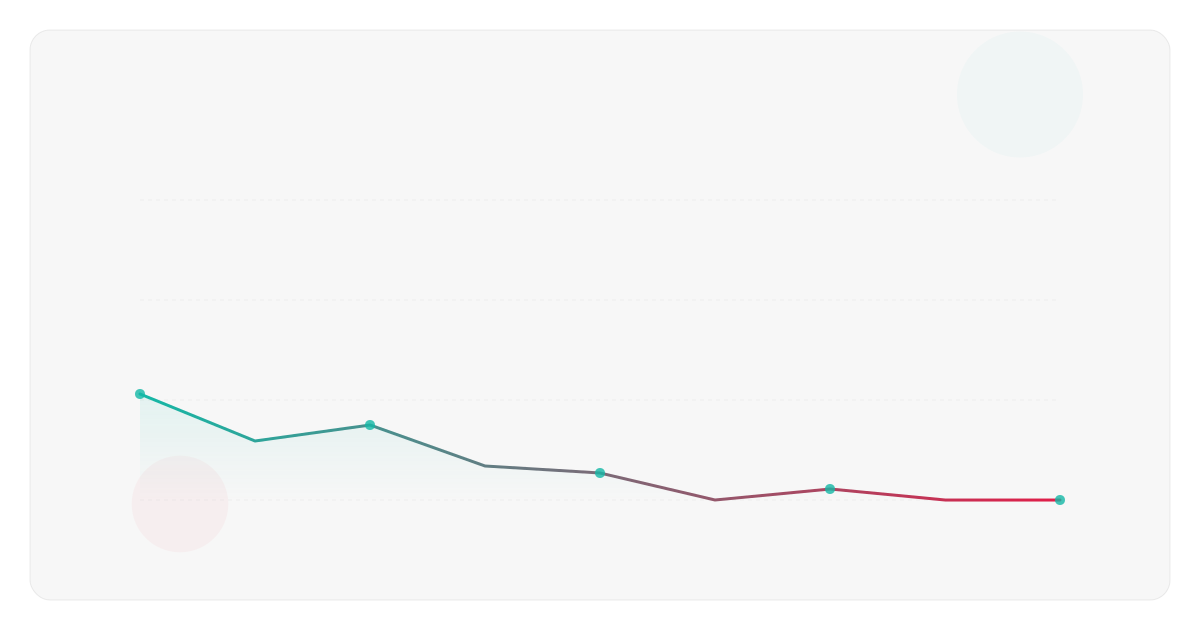
- Watch the progress – A bar chart fills up as deposits are logged. A trend line shows how much is left and how many days remain, all updated in real time—even offline.
Now Alex sees a clear picture: “I’ve saved 40 % of the goal, 60 % is left, and I have 4 months remaining.” No more guessing, just concrete data that lets him make simple tweaks—like increasing a monthly deposit or postponing a non‑essential expense.
Practical 5‑minute setup: get your goal live
If Alex’s story sounds familiar, try this 5‑minute mini‑challenge inside FinMoovi:
- Open the app and go to “Goals.” Tap “New goal” and pick an objective (e.g., “Emergency fund” or “Year‑end vacation”).
- Set the target amount using a simple reference, such as “the equivalent of three monthly salaries” or “the cost of 10 daily coffees for a month.”
- Use Smart Capture to log the most recent deposit you made today. Snap the receipt or dictate the amount.
- Check the automatically generated chart. Notice the color code (green = on track, yellow = caution, red = risk).
- Adjust the pace – If the chart shows you’re lagging, set a weekly reminder to review the goal.
Done! In a few clicks you move from uncertainty to a visual control panel that speaks your language.
Before vs. After: what changes with FinMoovi
| Aspect | Before (no visual) | After (with FinMoovi) |
|---|---|---|
| Visibility | Data scattered across spreadsheets or memory | Real‑time progress chart |
| Time spent | Hours reconciling statements and notes | 5 minutes to log and view |
| Anxiety | “I don’t know where I stand” | Confidence watching the bar move |
| Decisions | Delaying goals due to lack of clarity | Data‑driven pace adjustments |
| Engagement | Discouragement and abandonment | Renewed motivation as percentages rise |
Numbers that back up visual tracking
- Investopedia reports that visualizing goals boosts completion rates by up to 42 % compared with goals that are only written down.
- OECD notes that households using digital financial‑control tools are less likely to fall into unexpected consumer debt.
These figures confirm that turning numbers into images isn’t just a design choice—it’s a psychological trigger that drives action.
Extra tips to supercharge your progress
- Set intermediate milestones – In FinMoovi, create “mini‑goals” (e.g., 25 %, 50 %, 75 %). Each milestone unlocks a celebration notification, keeping motivation high.
- Pair with balance alerts – Enable a reminder that warns you when your account balance drops below a set limit, preventing you from spending money meant for the goal.
- Use offline mode – While traveling or without internet, you can still log deposits via photo. The app syncs everything once you’re back online.
- Share the goal – Invite a friend to follow the same goal in the app. Friendly competition can speed up achievement.
Frequently Asked Questions
How does Smart Capture read the amount on a receipt?
It uses OCR (optical character recognition) to read numbers and dates, then automatically categorizes the entry based on the keywords you’ve set.
Can I use FinMoovi for goals in different currencies?
Yes. The app supports multiple currencies. Choose the goal’s currency (e.g., USD, EUR) and it converts deposits automatically using the day’s exchange rate.
What happens if I lose internet connectivity?
All goal logging and chart updates work offline. When you reconnect, the data syncs to the cloud for backup.
Does FinMoovi really protect my data?
The app employs end‑to‑end encryption and stores information locally on your device, ensuring privacy even when you’re offline.
Try FinMoovi free for 7 days and see the difference for yourself.



💬 Comments
Share your thoughts — no sign-up needed.
Loading comments…