
Imagine this: you get home after a hectic day, open the kitchen drawer and find a stack of receipts, fuel tickets, a credit‑card statement, and you’re still trying to remember how much you spent on lunch yesterday. While you try to piece together a mental “head‑count,” you feel that tight knot in your chest that seems impossible to untangle.
A personal finance app does exactly that: it gathers all those bits of information in one place, turns the numbers into clear charts, and even warns you when you’re getting close to a limit you set. In under five minutes, FinMoovi lets you snap a photo of a receipt, automatically categorize the expense, and see the impact on your monthly budget.
Why Most Spreadsheets Fail
Spreadsheets are great for number‑lovers, but they demand constant discipline: you have to open the file, type every line by hand, update formulas, and if something changes you often have to start over. On top of that, the visual layout tends to be “boxy,” making it hard to quickly see where your money is going. When life gets busy, the spreadsheet becomes a burden instead of a helper.
Smart Capture: Photo Receipt + Automatic Categorization
FinMoovi’s smart capture solves this pain point. Just point your phone’s camera at a receipt or payment proof; the algorithm reads the amount, date, and merchant, then suggests a category (food, transport, entertainment, etc.). In a few seconds the expense is logged, eliminating manual typing. This automation cuts entry errors and frees up time to focus on strategic decisions—like trimming unnecessary spending or redirecting cash toward an emergency‑fund goal.

Building a Visual Budget in Minutes
With expenses already categorized, the app generates a dashboard that shows, as a pie or bar chart, each category’s share of the monthly total. If your food spend is edging toward “a coffee a day,” the graph flags it instantly, letting you adjust before the budget blows out. You can set monthly targets—e.g., “don’t spend more on entertainment than a weekend getaway”—and watch progress in real time. This visual approach turns abstract numbers into pictures your brain understands without effort.
Keeping Your Mind at Ease with Balance Alerts
One of the biggest financial stressors is opening your account and finding less money than expected. FinMoovi lets you set balance alerts: when the available amount drops near what you usually spend on a night out, the app sends a notification. That way you avoid the dreaded “money‑missing surprise” and can act early—whether that means curbing impulse buys or renegotiating a payment. Knowing exactly where your cash sits brings a calm that goes far beyond the numbers.

Risks and Precautions When Using Finance Apps
Even the most convenient technology requires a few safeguards:
- Data privacy: Make sure the app uses end‑to‑end encryption and offers an offline‑storage option.
- Over‑reliance: Relying completely on the algorithm can stop you from developing the habit of manually reviewing your finances. Use the app as a support tool, not a replacement for financial awareness.
- Policy changes: Updates to terms of service can affect how your data is handled. Always read the changes before you accept them.
These precautions help ensure the tool works for you without exposing sensitive information or creating dependency.
Next Steps
- Install FinMoovi and, the first time you open it, grant camera permission.
- Snap a receipt from any recent purchase (for example, your latest grocery run).
- Review the suggested category, tweak it if needed, and confirm.
- Set a balance alert for your biggest fixed expense (like rent or your phone plan).
- Check the dashboard for five minutes each day during the first week and adjust goals as you see fit.
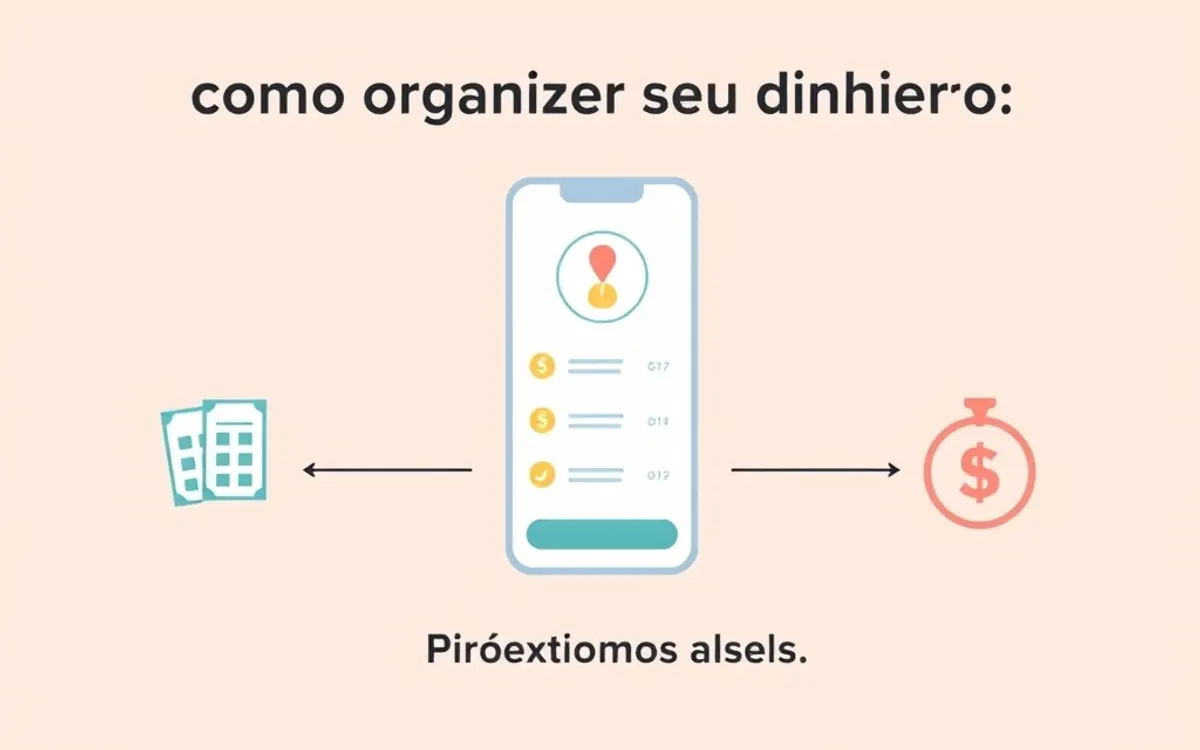
By completing these steps, you’ll have a clear picture of your finances and start turning chaos into control, one step at a time.
Frequently Asked Questions
How does the smart receipt capture work?
The feature uses optical character recognition (OCR) to pull the amount, date, and merchant from the receipt image, then automatically assigns a category based on learned patterns.
Does the app work offline?
Yes. FinMoovi lets you log expenses and generate reports without an internet connection; the data syncs once your device reconnects.
Is it safe to store my financial data on my phone?
The app employs strong encryption (AES‑256) and optionally keeps all data on the device only, ensuring nothing is sent to external servers without your consent.
Can I use the app for multiple currencies?
The multi‑currency feature lets you record spending in different currencies (like USD or EUR) and automatically convert them to the base currency you choose, handy for travel or international purchases.
To keep all your investments in one place, try FinMoovi free for 7 days — multi‑currency, smart reports, and 100 % offline.



💬 Comments
Share your thoughts — no sign-up needed.
Loading comments…