
Imagine this: you’ve just opened a new investment account and, when you try to check its performance, you’re faced with a Google Finance screen full of charts that load slowly, confusing filters, and no view of your monthly expenses. Meanwhile, the credit‑card bill arrives, the electricity bill pings on your phone, and you feel money slipping through cracks you don’t even notice. That frustration of not having everything in one place is more common than you think.
That’s where FinMoovi steps in. The app lets you snap a photo of a receipt—or simply speak the amount—and in seconds it categorizes the expense and adds it to your daily cash‑flow. In under five minutes you get a full picture: what came in, what went out, and how your investments are performing side by side with your spending. Just open the app, photograph your latest grocery receipt, and let the smart engine do the rest.
Overview of the tool
FinMoovi was built for anyone who wants a single view of their finances without juggling tabs or spreadsheets. It combines:
- Smart capture – photo or voice, automatic categorization.
- Multicurrency – supports dollars, euros, pounds, and other currencies, perfect for people with income in different money.
- Cash‑flow and reports – simple charts that show month‑by‑month evolution.
- Monthly goals – set how much you want to save or invest and watch your progress.
- Shopping mode – a list of items with real‑time total calculation, helping you avoid impulse buys.
All of this works offline and syncs when you’re back online, so you never lose a record.
Why Google Finance isn’t enough anymore
Google Finance is still handy for checking stock quotes and market news, but it falls short in three critical areas for personal finance:
- Limited integration – no direct connection to bank accounts or credit cards, forcing you to enter data manually.
- No expense tracking – the tool focuses only on investment assets, ignoring daily cash flow.
- Fragmented user experience – hopping between charts, news, and lists can be confusing, especially on mobile devices.
These gaps create a “forget‑the‑small‑spends” effect, where unnoticed little purchases add up to the cost of an entire month’s rent.
How FinMoovi solves those problems
Smart capture + automatic categorization
Snap a receipt and the algorithm reads the text, identifies the merchant, and classifies the spend (food, transport, entertainment, etc.). Prefer to speak? Just say “$30 on gasoline” and the app logs it instantly. This automation eliminates bulky spreadsheets and cuts human error.
Consolidated view of investments and expenses
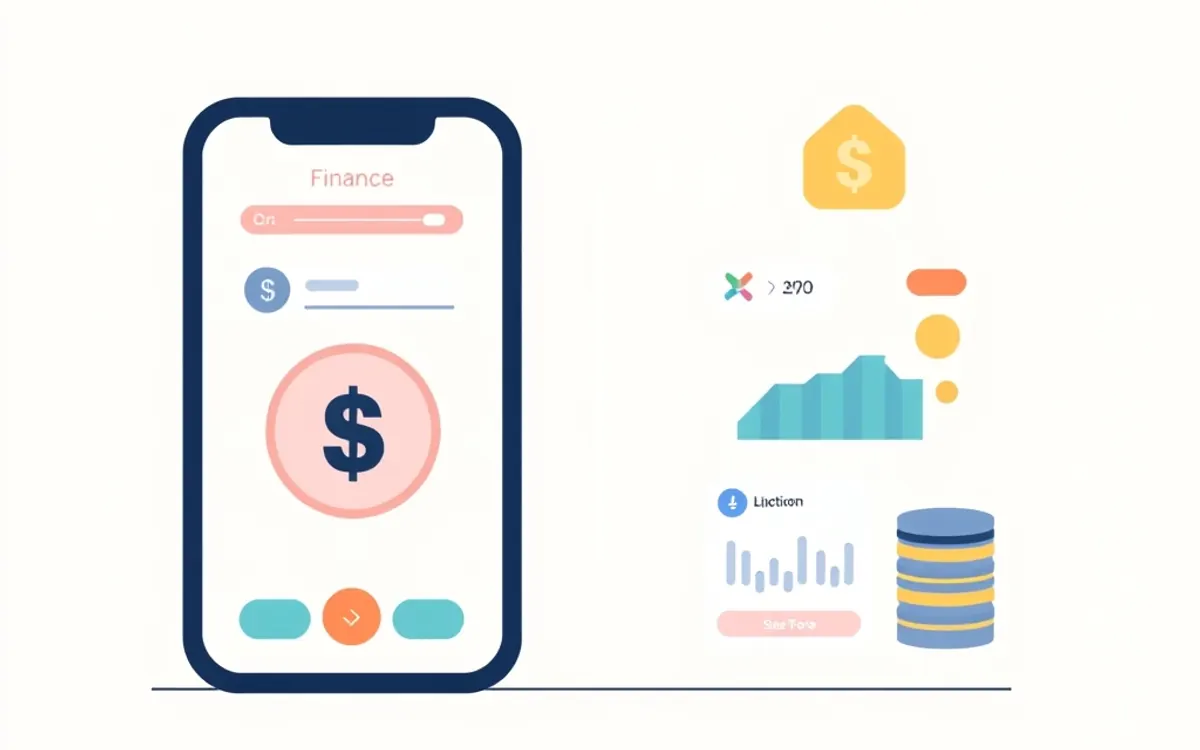
The main dashboard shows two side‑by‑side columns: one summarizing investments (stocks, CDs, funds) and the other summarizing monthly expenses. Bar and pie charts are interactive—tap “food” and the app displays the trend over the past three months, helping you spot consumption patterns.
Personalized goals and alerts
Set a goal like “save the equivalent of a daily coffee for the next three months.” FinMoovi sends a discreet alert when an unexpected expense threatens the goal, prompting you to rethink the purchase before confirming.
Practical tip: use Shopping mode to build your grocery list. As you add items, the app totals the cost in real time. If the amount exceeds the “monthly spending limit” you defined, it warns you and suggests cheaper alternatives.
Quick comparison with other options
| Feature | FinMoovi | Google Finance | Manual spreadsheet |
|---|---|---|---|
| Receipt capture (photo/voice) | ✅ | ❌ | ❌ |
| Multicurrency | ✅ | ✅ (quotes only) | ❌ |
| Bank integration | ✅ | ❌ | ❌ |
| Savings goals | ✅ | ❌ | ❌ |
| Balance alerts | ✅ | ❌ | ❌ |

The table shows that for anyone after convenience, FinMoovi delivers more value in less time. To learn more about why integrated financial data matters, read this Investopedia article on personal finance apps.
Step‑by‑step migration in 5 minutes
- Download FinMoovi (available in the major app stores).
- Connect your bank account or import a CSV statement.
- Snap a photo of your latest grocery receipt; let the app categorize it.
- Create your first goal – e.g., “save the equivalent of one month’s rent.”
- Watch the dashboard over the next 24 hours and tweak alerts as needed.
In under five minutes you have everything centralized—no more opening separate spreadsheets or websites.
Security and privacy
FinMoovi uses end‑to‑end encryption and stores data on ISO 27001‑certified servers. You control who can see your information and can disable automatic sync at any time. This approach follows OECD recommendations for financial data security.

Get started today
It’s time to replace the chaos of multiple screens with a single, calm view of your money. Open FinMoovi, capture your latest receipt, and watch your finances start to make sense. Every small step brings more control and less stress.
Frequently asked questions
Does FinMoovi work offline?
Yes. Core features like receipt capture and report viewing work offline and sync when you’re back online.
Can I track international investments?
Absolutely. Multicurrency support lets you log assets in dollars, euros, pounds, and more, making global portfolio tracking easy.
How are my personal data handled?
All data is encrypted and stored on secure servers. You have full control over permissions and can delete any information whenever you wish.
Does the app generate tax‑return reports?
It exports CSV and PDF reports that can serve as a basis for your tax filing, but you should still consult a tax professional.
Ready to organize your money? Try FinMoovi free for 7 days — in 5 minutes you’ll have a clear view of where your money is going.



💬 Comments
Share your thoughts — no sign-up needed.
Loading comments…